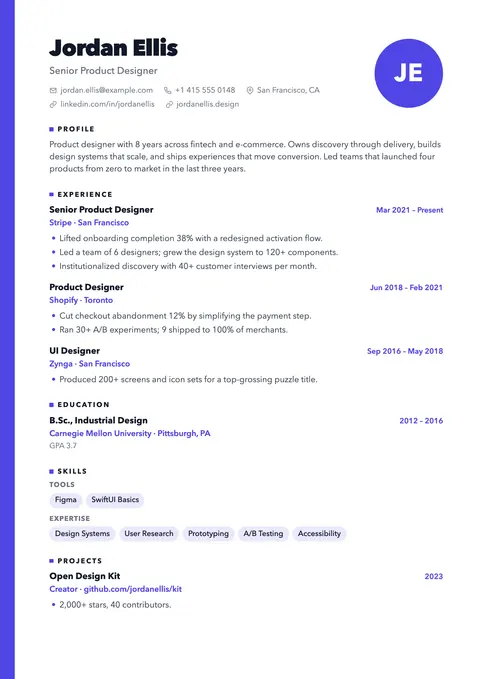
Accent edge strip and an initials monogram instead of a photo.
Pick one of 26 templates, fill it in with a live preview and download a clean PDF. No account, no watermark, and your resume never leaves your browser.
Free · No sign-up · PDF download
Single-column classics for job portals, two-column designs for direct applications.
Accent edge strip and an initials monogram instead of a photo.
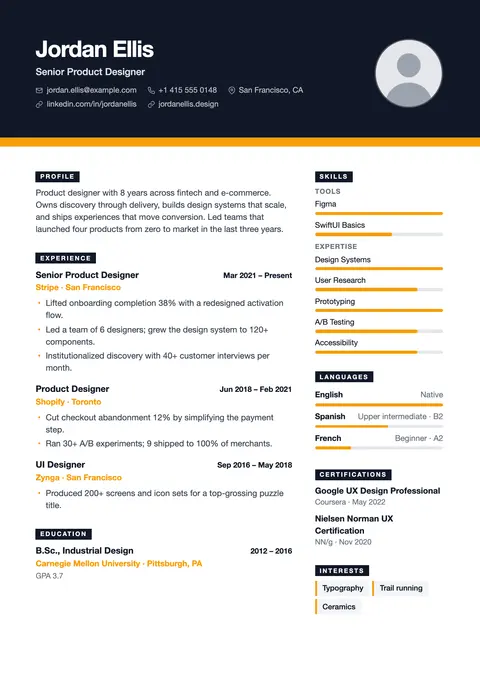
Charcoal masthead, tab-style headings, warm accent.
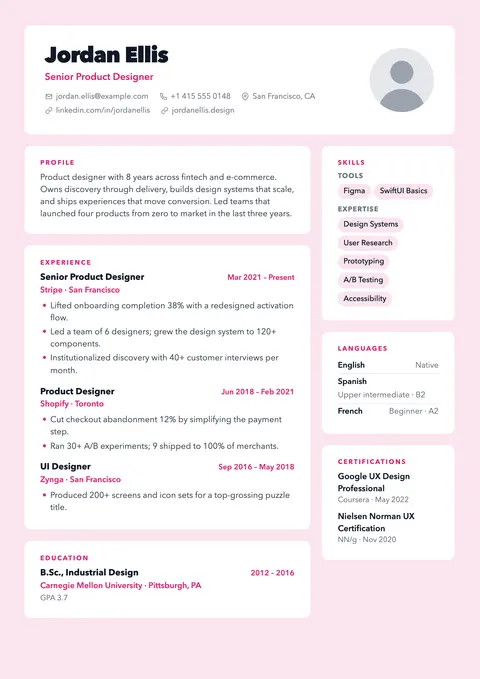
Tinted page with white cards for every section.
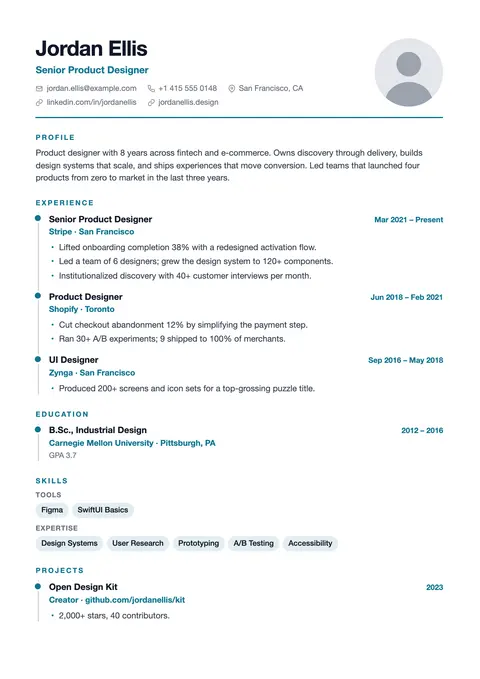
Vertical timeline with milestone dots for a clear career story.
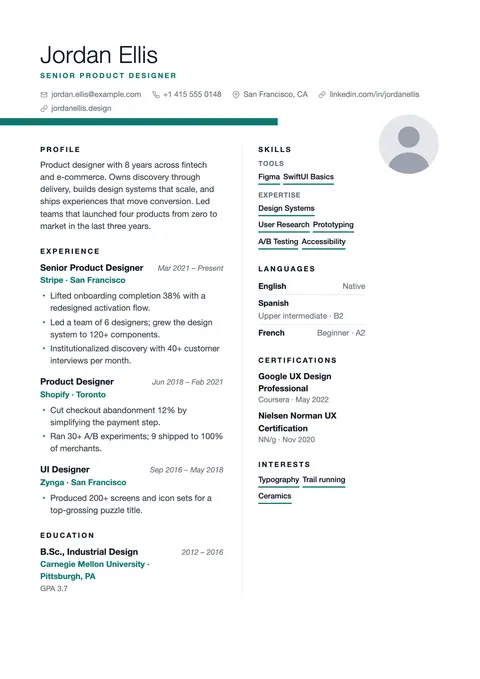
Light name, ribbon rule bleeding off the margin, generous white space.
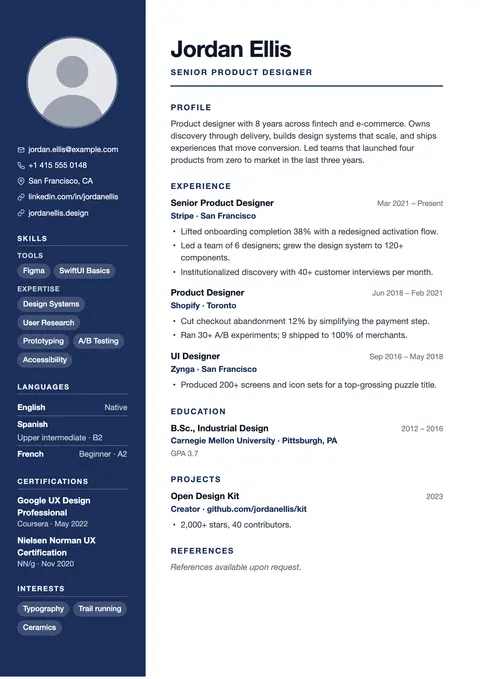
Dark sidebar, strong hierarchy. The corporate classic.
Start from an example resume or a blank page. You can switch templates at any time without retyping anything.
Type in the editor or click text right on the page. The preview shows exactly where each page ends.
Save a vector PDF with real, selectable text, ready to upload to job portals or send by email.
Every change appears instantly on a page that looks exactly like your PDF, including page breaks.
Click a line in the preview and type. The matching field opens next to it.
A score from 0 to 100 with concrete fixes: missing contact details, vague bullets, dates out of order.
Open the ATS resume checker →Paste a job posting to see which of its key terms your resume already covers and which are missing.
Open the keyword scanner →Change colors, fonts, spacing, headings and photo shape. Your content stays in place when you switch templates.
Use the site in English, Turkish, German or Spanish, and write your resume in any of them or in French.
There is no account and no server storing your resume. Everything you write is kept in this browser, so only you can see it.
Privacy →Yes. Every template, the ATS check, the keyword scanner and the PDF download are free, with no watermark and no trial period.
No. You can start right away. Your resumes are saved in the browser you use, so there is nothing to sign up for.
All templates produce real text, which applicant tracking systems can read. Single-column templates are the safest for large job portals; two-column designs can be read out of order by some systems, so each template page explains its trade-offs.
Only in your browser on this device. We don't receive your resume. To keep a copy or switch devices, download a backup file in Settings and load it elsewhere.
Yes. You can edit and preview on a phone; for long editing sessions a larger screen is more comfortable.
Select Download PDF and choose "Save as PDF" in the print dialog. The PDF has selectable text and the same page breaks as the preview.
Pick a template and have a polished PDF in minutes.